AI QR Code Art: How to Create Stunning Scannable Artwork in 2026
What if your QR code didn't look like a QR code?
That's the promise of AI QR code art — a technology that fuses functional barcodes with generative AI imagery to create codes that are visually captivating, on-brand, and still fully scannable. In 2026, brands using AI-designed QR codes report **60% higher scan rates** compared to standard black-and-white codes.
This guide explains exactly how AI QR codes work, why they outperform traditional codes, and how to create your own — with or without technical expertise.
What Is an AI QR Code?
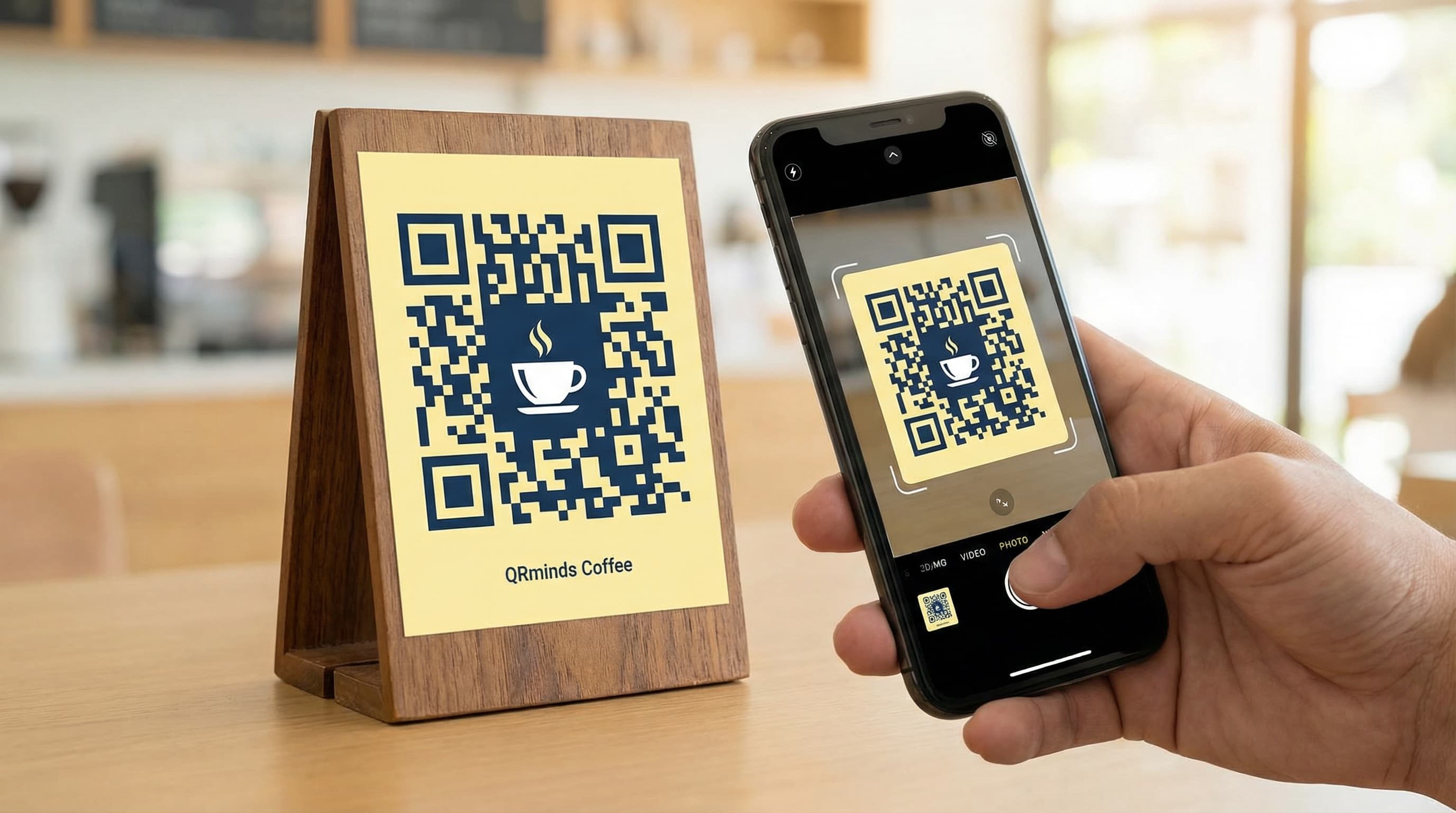
An AI QR code is a QR code where the black-and-white data modules are seamlessly integrated into an AI-generated image. Instead of a plain geometric pattern, you see a landscape, a cityscape, a portrait, or an abstract design — but embedded within that image is a fully functional QR code that your phone can scan.
The result looks more like artwork than a barcode. Brands have used AI QR codes on:
How Does the Technology Work?
The underlying technology is a combination of **Stable Diffusion** (an AI image generator) and **ControlNet** (a guidance add-on that constrains the AI's output).
The Problem with Standard AI Generation
Standard AI image generators like Stable Diffusion produce beautiful images, but they can't create a scannable QR code on their own. Ask an AI to "generate a forest landscape with a QR code in it," and you'll get a decorative pattern that looks like a QR code but won't scan.
ControlNet: The Key Ingredient
ControlNet solves this by treating the QR code as a "structural guide" that the AI must respect. It works by:
1. **Taking your QR code** as input — the functional, scannable pattern
2. **Analyzing its structure** — which modules must remain dark/light for the code to be readable
3. **Generating imagery** around those constraints — the AI creates the visual, but cannot violate the QR code's data structure
The result is an image that is simultaneously beautiful and functional.
The QR Code Monster Model
In 2025, a dedicated ControlNet model called **QR Code Monster** was released specifically for this purpose. Available in both 1.5 and XL versions, it's trained specifically to balance visual quality with scan reliability — producing better results than general ControlNet models for this use case.
Key Parameters That Affect Quality
Three parameters determine whether your AI QR code looks great AND scans reliably:
**Control Weight (0.0–2.0):** How strictly the AI respects the QR structure. Too low = beautiful but unreadable. Too high = scannable but ugly. Sweet spot: 1.2–1.6.
**Guidance Scale:** How closely the generated image follows your text prompt. Higher values produce more prompt-adherent images but can look artificial.
**Error Correction Level:** Use Level H (30% correction) in your QR code before AI generation. This gives the AI more flexibility to stylize while maintaining scannability.
Why Brands Are Embracing AI QR Codes
The business case is compelling:
Dramatically Higher Scan Rates
Companies using AI-styled QR codes see **60% higher engagement rates** vs. standard codes. The visual intrigue triggers curiosity — people scan because they want to know what the image links to, not just out of necessity.
Social Media Shareability
A beautifully designed AI QR code gets shared. It becomes part of the content rather than a functional addition to it. Brands report that campaigns featuring AI QR codes receive **3-4x more organic social shares** than those with standard codes.
Brand Consistency
Traditional QR codes are brand-agnostic — black squares on white. AI QR codes can be styled to match your exact brand palette, visual language, and aesthetic. A luxury fashion brand's QR code looks completely different from a children's toy brand's, even though both link to websites.
The Novelty Factor in 2026
Despite rapid adoption, the majority of consumers still haven't seen an AI QR code in the wild. Being among the first in your industry to use them creates a memorable brand moment.
How to Create an AI QR Code
Method 1: QRminds AI Generator (Recommended for Most Users)
QRminds includes a built-in AI QR code generator that handles all the technical complexity:
1. **Open the QR code generator** and select your QR type (URL, WiFi, vCard, etc.)
2. **Enter your content** — the URL or data your code will point to
3. **Click "AI Design"** and describe your desired visual style
4. **Adjust the style settings** — choose colors, patterns, and intensity
5. **Generate and download** in high resolution (PNG, SVG, or PDF)
The entire process takes under two minutes. No Stable Diffusion installation, no ControlNet configuration, no GPU required.
Method 2: Stable Diffusion + ControlNet (For Advanced Users)
For maximum control over the output:
**Requirements:**
**Process:**
1. Generate your QR code at high error correction (Level H)
2. Load it as a ControlNet input image
3. Set Control Weight to 1.3–1.5
4. Write your prompt (e.g., "enchanted forest, misty morning, cinematic lighting, photorealistic")
5. Generate multiple variations and test each for scannability
**Always test before using.** Even technically valid AI QR codes can occasionally fail to scan in suboptimal lighting. Generate 5-10 variations and keep the best-scanning ones.
Best Practices for AI QR Codes
Ensure Scannability First
Beauty is secondary to function. An AI QR code that doesn't scan is just art. Test every generated code with at least three different smartphones before deploying.
**Quick test checklist:**
Use High Error Correction
Always generate your base QR code at **Error Correction Level H** before applying AI styling. This gives the AI maximum flexibility while maintaining enough redundancy to remain scannable after visual transformation.
Size Matters
AI QR codes require more detail than standard codes to scan reliably. Minimum recommended sizes:
Choose Prompts That Complement Your Brand
Prompt engineering matters. Instead of generic descriptions, reference your brand world:
Match the Platform
Where your AI QR code appears affects optimal design choices:
The Future of AI QR Codes
The technology is evolving rapidly. By late 2026, we expect to see:
84% of marketers plan to integrate AI into their QR code strategy in the next 12 months. The window to stand out with AI QR codes is still open — but it won't stay open long.
Ready to create your first AI QR code? Try QRminds' AI generator and see what your brand looks like when it's also a piece of art.
Frequently Asked Questions
Are AI QR codes actually scannable?
Yes, when created correctly. AI QR codes use ControlNet to constrain the AI generation around the QR code's data structure, preserving scannability while adding visual style. The key is using high error correction (Level H) in the base QR code and testing the output across multiple devices before deploying. Well-generated AI QR codes scan as reliably as standard codes.
Do I need technical skills to create AI QR codes?
Not with QRminds. The built-in AI generator handles all technical complexity — just enter your content, describe your desired visual style, and generate. For maximum control, advanced users can use Stable Diffusion with ControlNet, but this requires installing and configuring software. Most business users are better served by a dedicated tool like QRminds.
Why do AI QR codes get more scans than standard codes?
Visual curiosity is the primary driver. People scan AI QR codes because they're visually interesting and they want to know what the striking image links to. Companies using AI-styled QR codes report 60% higher engagement rates compared to standard black-and-white codes. Additionally, AI codes that match brand aesthetics are more trusted and perceived as professional.
What's the minimum size for an AI QR code?
AI QR codes need slightly more size than standard codes to scan reliably due to the visual complexity. Recommended minimums: 5cm × 5cm (2 inches) for print, 400px × 400px for digital displays. For small formats like business cards, keep the AI styling subtle to maintain scan reliability. Always test at the intended display size before printing.