What is a QR Code and How Does It Work? Complete 2026 Guide
In an increasingly digital world, QR codes have evolved from a niche Japanese innovation to an essential tool for businesses and consumers alike. This comprehensive guide explores everything you need to know about QR codes in 2026—from their technical foundations to cutting-edge applications that are transforming industries worldwide.
The Evolution of QR Codes: From 1994 to 2026
QR codes were invented in 1994 by Masahiro Hara at Denso Wave, a Toyota subsidiary, to track automotive parts during manufacturing. Unlike traditional barcodes that could only store 20 alphanumeric characters, QR codes could store over 7,000 numeric characters—a revolutionary leap in data storage technology.
The Pandemic Catalyst and Beyond
While QR codes existed for decades, their global adoption accelerated dramatically during the COVID-19 pandemic. Contactless menus, touch-free payments, and digital check-ins became necessities rather than conveniences. By 2026, QR codes have become deeply integrated into our daily lives:
What Exactly is a QR Code?
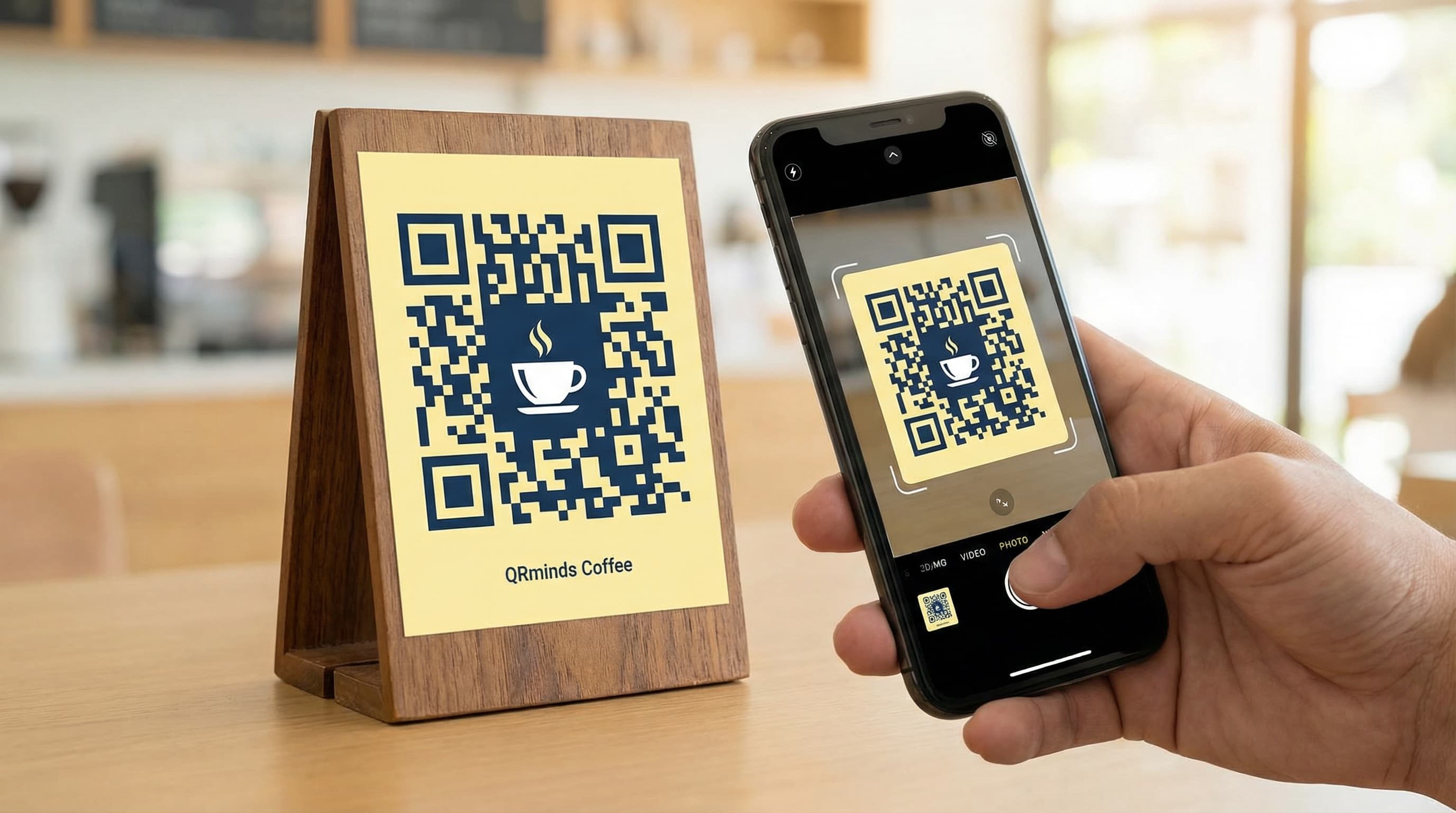
A QR (Quick Response) code is a two-dimensional barcode that stores information in a matrix of black squares arranged on a white grid. Unlike one-dimensional barcodes that can only be read horizontally, QR codes can be scanned from any angle and contain significantly more data.
Technical Architecture
QR codes consist of several key components:
1. Finder Patterns
The three large squares in the corners (top-left, top-right, bottom-left) allow scanners to detect and orient the code correctly. These patterns enable 360-degree scanning capability.
2. Alignment Patterns
Smaller squares scattered throughout larger codes help maintain readability even when the code is curved or distorted.
3. Timing Patterns
Alternating black and white modules between finder patterns help the scanner determine the size of individual data cells.
4. Data Modules
The actual information is encoded in the pattern of black and white squares, using four standardized encoding modes:
5. Error Correction
QR codes incorporate Reed-Solomon error correction, allowing them to be read even when partially damaged or obscured. Four levels exist:
How QR Codes Work: A Deep Dive
The Encoding Process
When you create a QR code, here's what happens behind the scenes:
1. **Data Analysis**: The system analyzes your input (URL, text, contact info) to determine the most efficient encoding mode
2. **Data Encoding**: Your information is converted into binary data (0s and 1s) according to the QR code specification
3. **Error Correction**: Redundant data is added using Reed-Solomon algorithms, allowing the code to be read even if partially damaged
4. **Module Placement**: The binary data is arranged in a specific pattern, masking certain areas to prevent large uniform blocks that could confuse scanners
5. **Format Information**: Essential metadata about the QR code version, error correction level, and mask pattern is added
The Scanning Process
When a smartphone scans a QR code:
1. **Image Capture**: The camera captures the QR code image
2. **Preprocessing**: Software converts the image to grayscale and enhances contrast
3. **Pattern Recognition**: The finder patterns are located and the code's orientation is determined
4. **Grid Sampling**: The scanner divides the code into individual modules and reads their values (black = 1, white = 0)
5. **Error Correction**: Any damaged or unclear modules are reconstructed using redundant data
6. **Data Extraction**: The binary data is converted back to the original format (URL, text, etc.)
7. **Action Execution**: The device performs the appropriate action—opening a URL, displaying text, adding a contact, etc.
Types of QR Codes: Static vs Dynamic
Static QR Codes
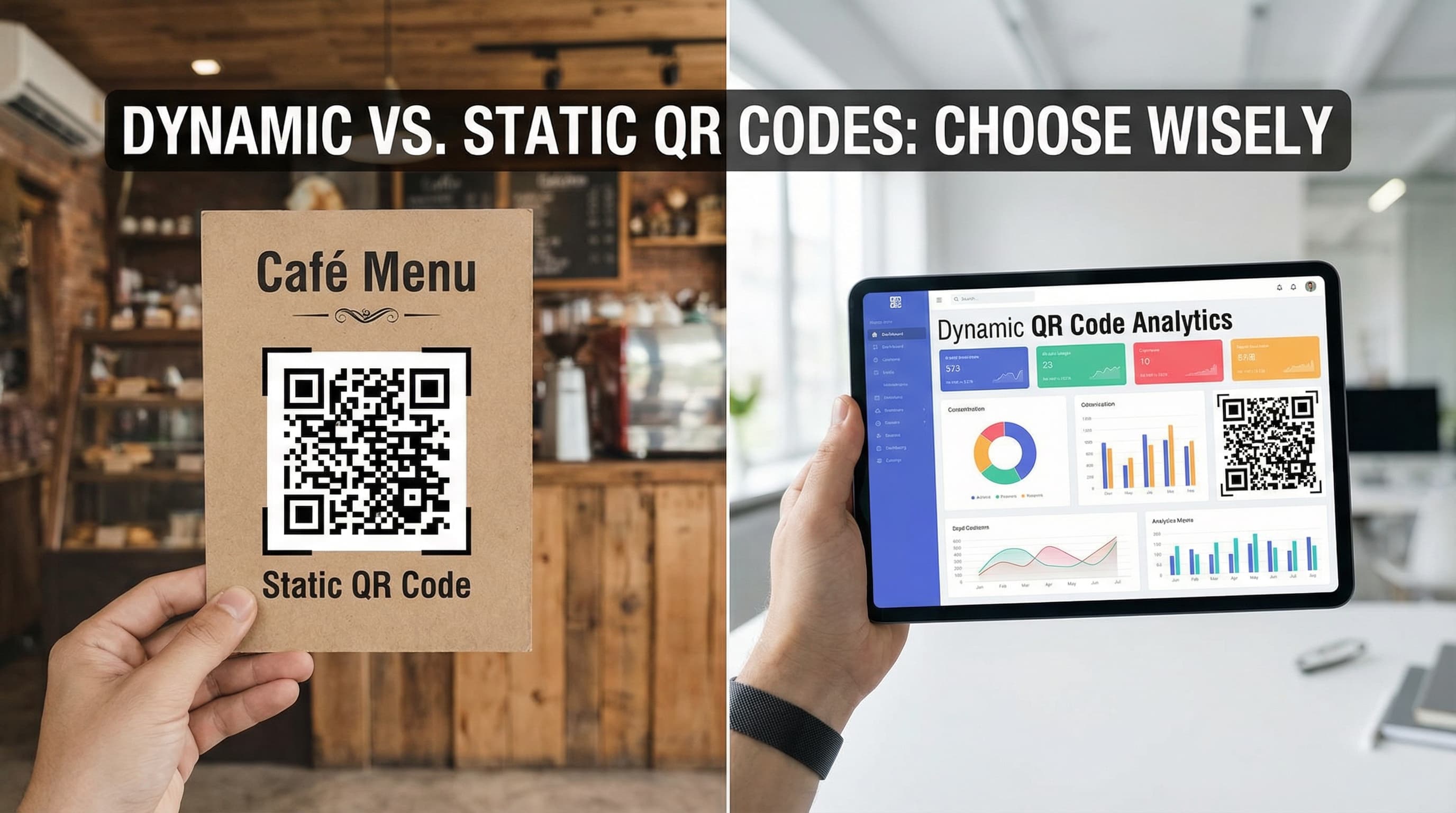
Static QR codes contain fixed information encoded directly into the pattern. Once created, the data cannot be changed.
**Best for:**
**Limitations:**
Dynamic QR Codes
Dynamic QR codes contain a short URL that redirects to your actual content. The destination can be changed anytime without reprinting the code.
**Best for:**
**Advantages:**
QR Code Security in 2026: Protecting Yourself and Your Business
Common QR Code Scams
As QR code usage has exploded, so have related security threats:
1. Quishing (QR Phishing)
Cybercriminals create malicious QR codes that direct users to fake login pages designed to steal credentials. These often appear in public spaces or are sent via email.
**Protection:** Always verify the URL before entering credentials. Look for HTTPS and check the domain carefully.
2. Malware Distribution
Scanned QR codes can trigger automatic downloads of malicious apps or files, particularly on Android devices with less restrictive security settings.
**Protection:** Disable automatic downloads in your phone settings. Use a QR scanner app that previews URLs before opening.
3. Payment Fraud
Fake QR codes placed over legitimate ones in restaurants, parking meters, or donation boxes can redirect payments to criminals.
**Protection:** For payments, verify the recipient name matches the business. When in doubt, ask staff to confirm the correct code.
Best Practices for Businesses
Real-World Applications: How Industries Use QR Codes in 2026
Retail and E-commerce
Restaurants and Hospitality
Healthcare
Education
Marketing and Advertising
Creating the Perfect QR Code: Best Practices
Size Guidelines
**Minimum Scanning Sizes:**
Design Principles
Contrast is Critical
QR codes need significant contrast between the code (dark) and background (light). While black and white is standard, you can use:
**Avoid:** Pastel on pastel, red/green combinations (colorblind issues), or busy backgrounds.
The 30% Rule for Logos
You can add a logo to the center of your QR code, but:
White Space (Quiet Zone)
Maintain a white border around your QR code equal to at least 4 modules (the smallest squares) on all sides. This helps scanners distinguish the code from surrounding content.
Testing Your QR Code
Before distributing your QR code:
1. **Multi-Device Testing**: Test on iPhone, Android, and different QR scanner apps
2. **Distance Testing**: Verify it works at the intended viewing distance
3. **Lighting Conditions**: Check performance in bright sunlight and low light
4. **Damage Simulation**: Cover portions of the code to test error correction
5. **Print Quality**: If printing, test a sample at actual size
Advanced QR Code Features in 2026
AI-Powered QR Codes
Artificial intelligence is revolutionizing QR code functionality:
AR-Integrated QR Codes
Scanning a QR code can now trigger augmented reality experiences:
Blockchain-Verified QR Codes
For high-value products and sensitive documents:
The Future of QR Codes: What's Next?
Emerging Trends for 2026 and Beyond
**1. Biometric Integration**
QR codes combined with fingerprint or facial recognition for ultra-secure authentication in banking and healthcare.
**2. IoT Connectivity**
Smart home devices with QR codes for instant setup and configuration, eliminating complicated pairing processes.
**3. Sustainable Packaging**
QR codes replacing printed instructions and warranty cards, reducing paper waste and allowing manufacturers to update information throughout a product's lifecycle.
**4. Frictionless Payments**
Advanced QR payment systems that combine loyalty programs, coupons, and payment in a single scan, competing directly with NFC technology.
**5. Accessibility Enhancements**
QR codes that trigger audio descriptions for visually impaired users, making physical spaces more navigable.
How to Create QR Codes: Step-by-Step Guide
Using QRminds QR Code Generator
1. **Choose Your Content Type**: Select from URL, text, email, phone, WiFi, vCard, and more
2. **Enter Your Information**: Input the data you want to encode
3. **Customize the Design**: Add your logo, choose brand colors, select a frame style
4. **Download in Multiple Formats**: Get PNG for digital use, SVG for print, or PDF for documents
5. **Test Before Sharing**: Always verify your QR code works correctly
6. **Track Performance**: Use dynamic QR codes to monitor scans and optimize campaigns
Pro Tips for Maximum Engagement
Conclusion
QR codes have transcended their original purpose as inventory tracking tools to become a universal bridge between physical and digital worlds. In 2026, they're essential infrastructure for modern business operations, marketing strategies, and everyday convenience.
Whether you're a small business owner looking to streamline operations, a marketer seeking innovative engagement channels, or a consumer navigating an increasingly contactless world, understanding QR codes is no longer optional—it's essential.
The technology continues to evolve, with AI, AR, and blockchain integration opening new possibilities. One thing is certain: QR codes are here to stay, and their influence on how we interact with information will only grow.
Ready to create your own professional QR codes? Try QRminds' free QR code generator and join millions of businesses already leveraging this powerful technology.
Frequently Asked Questions
What is a QR code and how does it work?
A QR (Quick Response) code is a two-dimensional barcode that stores information in a matrix of black squares on a white background. When scanned by a smartphone camera, the pattern is decoded to reveal the stored data—typically a URL, text, contact information, or other digital content. The three finder patterns in the corners allow the scanner to orient and read the code from any angle.
Are QR codes free to create and use?
Yes, creating and scanning basic QR codes is completely free. Static QR codes (with fixed content) can be generated unlimited times at no cost. Dynamic QR codes (editable content with analytics) typically require a paid subscription, with plans ranging from $5-50/month depending on features and scan volume.
What's the difference between static and dynamic QR codes?
Static QR codes have fixed content encoded directly into the pattern that cannot be changed after creation. Dynamic QR codes contain a short redirect URL that can be updated anytime without reprinting the code. Dynamic codes also provide scan analytics (counts, locations, devices) and are generally smaller since they store a short URL rather than lengthy content.
Are QR codes secure? Can they be hacked?
QR codes themselves cannot be hacked, but they can be used maliciously. Cybercriminals create fake QR codes that direct to phishing sites or trigger malware downloads. Always verify URLs before entering credentials, use QR scanner apps that preview links, and be cautious of codes in public spaces that may have been tampered with. For businesses, using HTTPS, branded QR codes, and regular monitoring reduces risks.
What is the minimum size for a scannable QR code?
For reliable scanning, QR codes should be at least 2 x 2 cm (0.8 inches) for print materials or 200 x 200 pixels for digital displays. The size should increase proportionally with scanning distance—approximately 1/10th of the viewing distance. For example, a code viewed from 1 meter away should be at least 10 cm in size.