Why Did My QR Code Stop Working? The Truth About QR Code Expiration
You printed a QR code on a menu, a flyer, or a poster. It worked fine for weeks. Then, out of nowhere, customers started telling you it doesn't scan anymore — or worse, it opens a blank error page instead of your website.
This happens to businesses constantly, and in most cases it has nothing to do with the printed code itself. Here's what's actually going on, and how to avoid it.
The Three Real Reasons a QR Code Stops Working
1. The destination link itself broke
If your QR code points directly to a URL and that page gets deleted, moved, or your website goes down, the code will still scan perfectly — it's just pointing at nothing. This is the most common cause for **static** QR codes, and it's on you to keep the destination alive.
2. It's a static code and you needed to change it
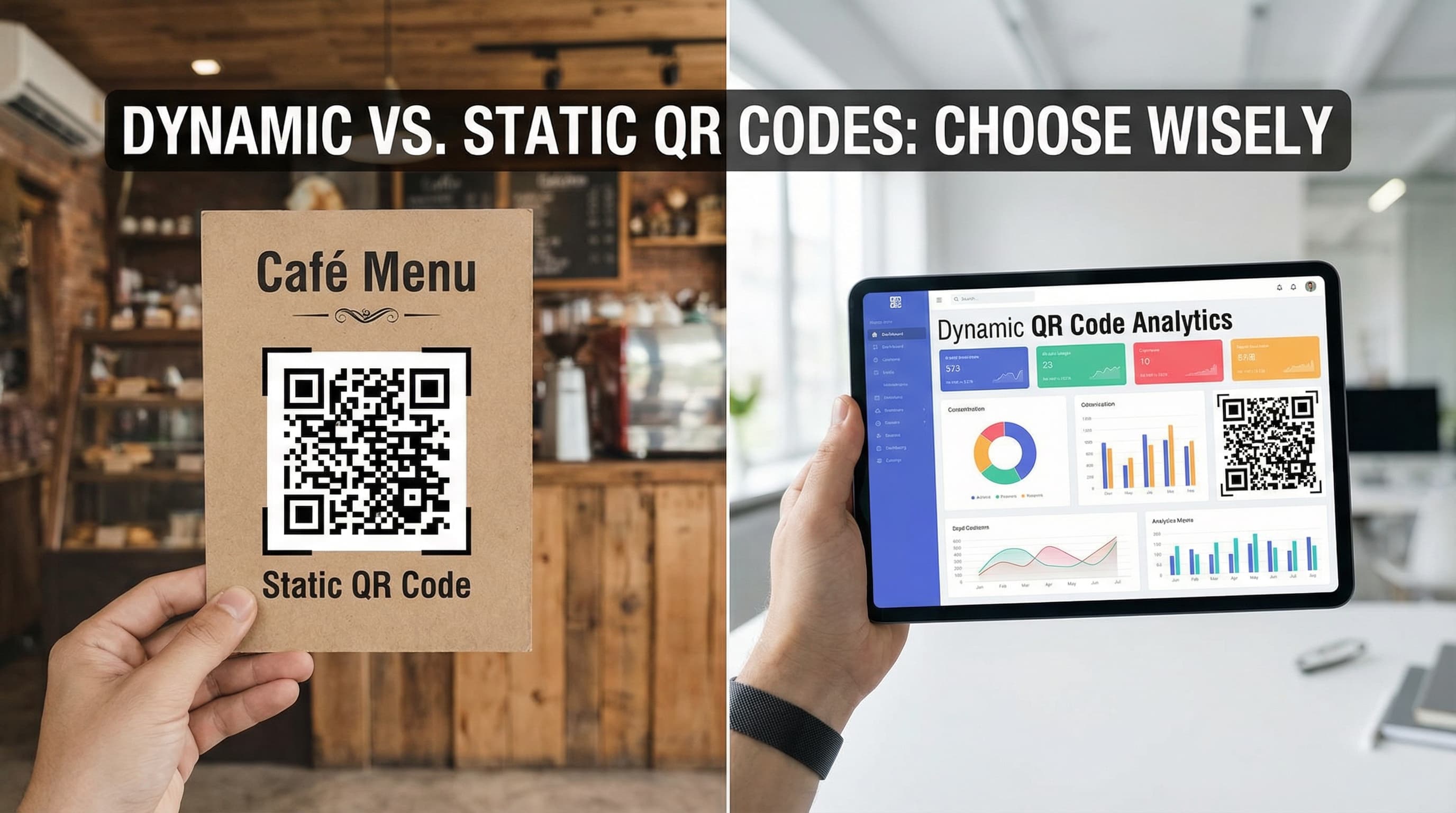
Static QR codes encode your content directly into the pattern itself. There's no dashboard, no edit button — the destination is permanent the moment you generate it. If your Wi-Fi password changed or your menu moved to a new URL, a static code can't be updated. You'd have to print a brand new one and replace every copy in the wild.
3. Your provider deactivated it — even though you didn't do anything wrong
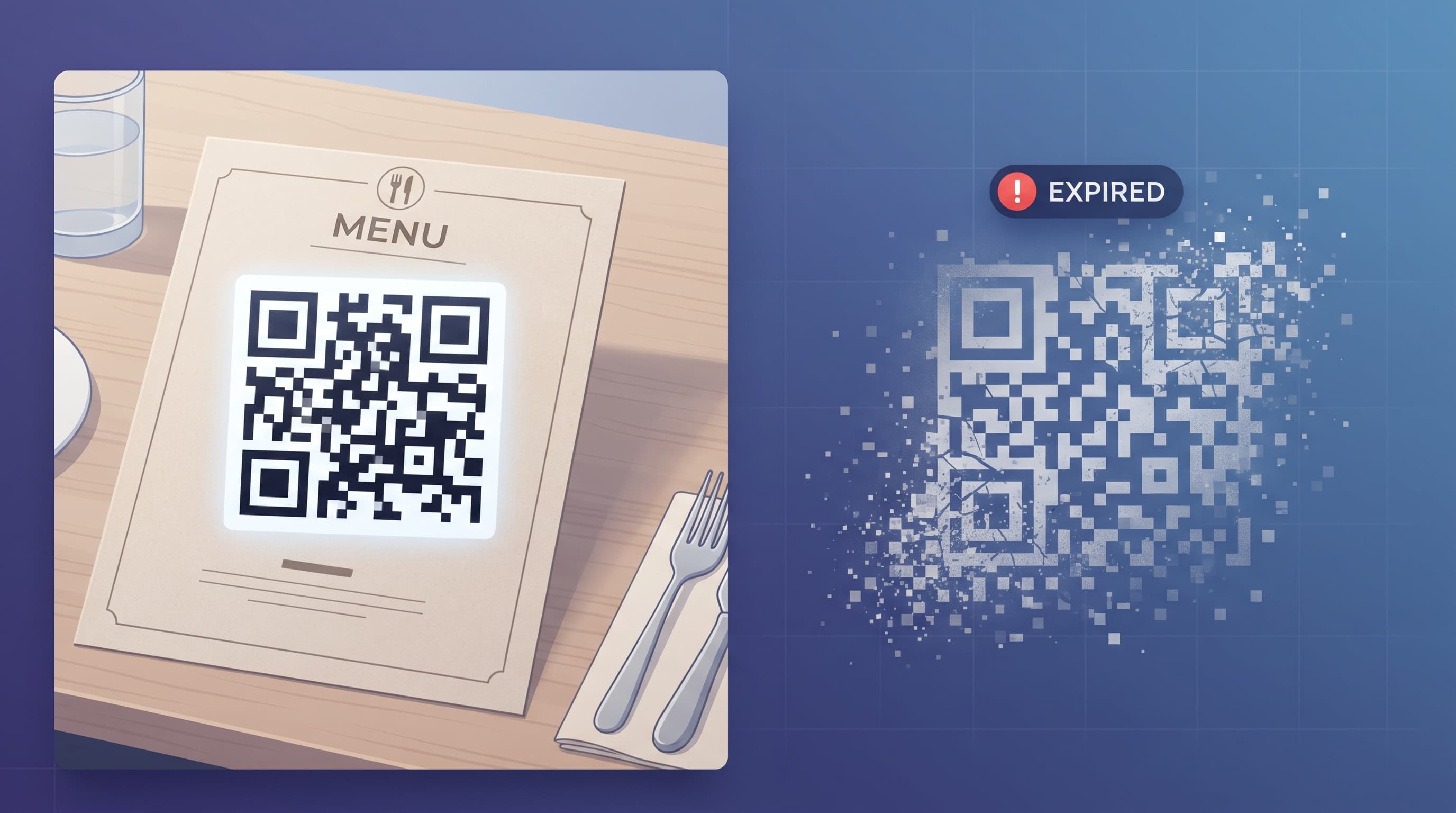
This is the one nobody warns you about. Many QR code platforms let you create "dynamic" QR codes for free during a trial period, then automatically **deactivate them** once that trial ends or your subscription lapses — regardless of whether the code is still printed on live materials. Scan it after that point and you get an error page, not your website.
Industry analysis puts this practice — sometimes called the QR code subscription trap — at the center of a large share of negative reviews for QR code platforms. The pattern is always the same: create a code, print it on hundreds or thousands of physical items, and weeks later discover it's been switched off unless you pay up. At that point, reprinting is expensive and inconvenient enough that most people just pay.
How to Tell If You're at Risk Before You Commit to a Platform
Before you print anything at scale, check for these red flags on any QR code generator you're considering:
How QRMinds Handles This
Dynamic QR codes you create on QRMinds' free plan never expire automatically — not after a trial, not if you don't upgrade, not ever. The only way a QRMinds QR code stops working is if you personally choose to set an expiration date (a Pro feature designed for things like limited-time offers, where you *want* the code to switch off on a specific date). Nothing deactivates your printed materials behind your back.
If you're not sure whether your current QR code provider does this, check whether your account has ever mentioned an expiring trial for QR codes specifically — most legitimate concerns show up as an email warning you before it happens.
Best Practices to Avoid QR Code Failures (Regardless of Platform)
1. **Use dynamic QR codes for anything printed long-term.** If there's any chance you'll need to update the destination — a menu, a business card, packaging — a dynamic code lets you fix it without reprinting.
2. **Test the code after printing, not just on screen.** Screen previews and printed ink can render differently. Scan the actual printed piece before mass-producing it.
3. **Keep destination pages alive.** A dynamic QR code protects you from *reprinting*, but the destination URL still needs to exist. Set a calendar reminder if a linked page is tied to a seasonal campaign.
4. **Check your scan analytics periodically.** A sudden drop to zero scans is often the first sign something broke — whether that's your website, your QR provider, or the code itself.
5. **Read the free-plan terms before printing anything at scale.** Five minutes of reading now can save you from reprinting a few thousand flyers later.
QR codes are meant to be a "print once, works forever" tool. When they stop working, it's rarely a mystery — it's almost always one of the three reasons above, and two of them are entirely preventable by choosing the right platform from the start.
Frequently Asked Questions
Why did my QR code suddenly stop working?
There are three common causes: the destination link itself broke or was removed, it's a static QR code that can't be updated and points to outdated content, or your QR platform automatically deactivated it after a free trial ended or your subscription lapsed. The third cause is common enough in the industry that it's worth checking your provider's terms before printing at scale.
Do QR codes expire on their own over time?
No. A QR code is just a pattern of black-and-white squares — it has no built-in expiration. If a code stops working, it's because the destination changed, the code was static and outdated, or a QR platform's server-side redirect was deliberately deactivated (either by you or automatically by the provider).
Do QRminds QR codes ever expire automatically?
No, never — including on the free plan. QRminds does not deactivate dynamic QR codes after a trial period or if you don't upgrade. The only way a QRminds code stops working is if you manually set an expiration date yourself, which is an opt-in feature for things like limited-time campaigns.
How can I check if my printed QR code is still working?
Scan it yourself with a different phone than the one you used to create it, ideally on the actual printed material rather than a screen preview. If you're using a dynamic QR code platform, check your dashboard's scan analytics — a sudden drop to zero is usually the first sign something broke.
What should I do if my QR code provider deactivated my code?
If the code is on live printed materials, you generally have two options: pay to reactivate it, or replace it with a code from a provider that doesn't deactivate free-tier codes and print new materials. For future projects, choosing a platform with a clear no-expiration policy on dynamic QR codes avoids this problem entirely.